You can self-tape without someone physically in the room by using a live virtual reader or a line-reading app. A virtual reader gives you a responsive scene partner. An app can supply the other lines when nobody is available. Either way, test the timing and sound, and keep your scene partner's eyeline near the recording camera.
“Without a reader” usually means no reader beside your camera, not necessarily no reader at all. This guide compares the two practical remote options: a person reading with you live and an app playing the other character's lines. Use the self-tape equipment checklist for the basic room setup before testing either workflow.
Start by deciding whether you want a responsive human partner or app-controlled cues. A virtual reader can respond to your pauses, interruptions, and discoveries. A line-reading app can be useful when you need to work alone, but its cue controls and timing become part of the performance setup.
Three ways to handle a missing in-room reader
Option
Useful when
Main trade-off
A friend on a video or voice call
Someone is available remotely but cannot visit.
Connection delays and speaker sound need testing.
A booked virtual reader
You want an experienced live partner.
Availability, cost, and privacy terms vary.
A line-reading app
No live partner is available, or you want to rehearse on your own schedule.
Cue detection, manual controls, and device audio can interrupt the scene.
If the scene is a monologue and no other lines are needed, you may not need reader audio at all. For a dialogue scene, keep the exchange intelligible rather than simply deleting every other character's lines. If an app makes the timing feel forced, switch to a virtual reader instead of letting the technology dictate your performance.
First try a live virtual reader
A friend or family member can read the other lines on a video or voice call. They do not need to imitate the character perfectly or give a large performance. Ask for understandable lines, steady attention, and room for your pauses. A helpful reader supports your acting rather than competing with it.
Share the scene only when you are permitted to do so, explain the character assignments, and agree on when to begin. Use a short rehearsal to check names and unfamiliar words. If the reader has not worked with sides before, show them which lines are yours and which lines they should read.
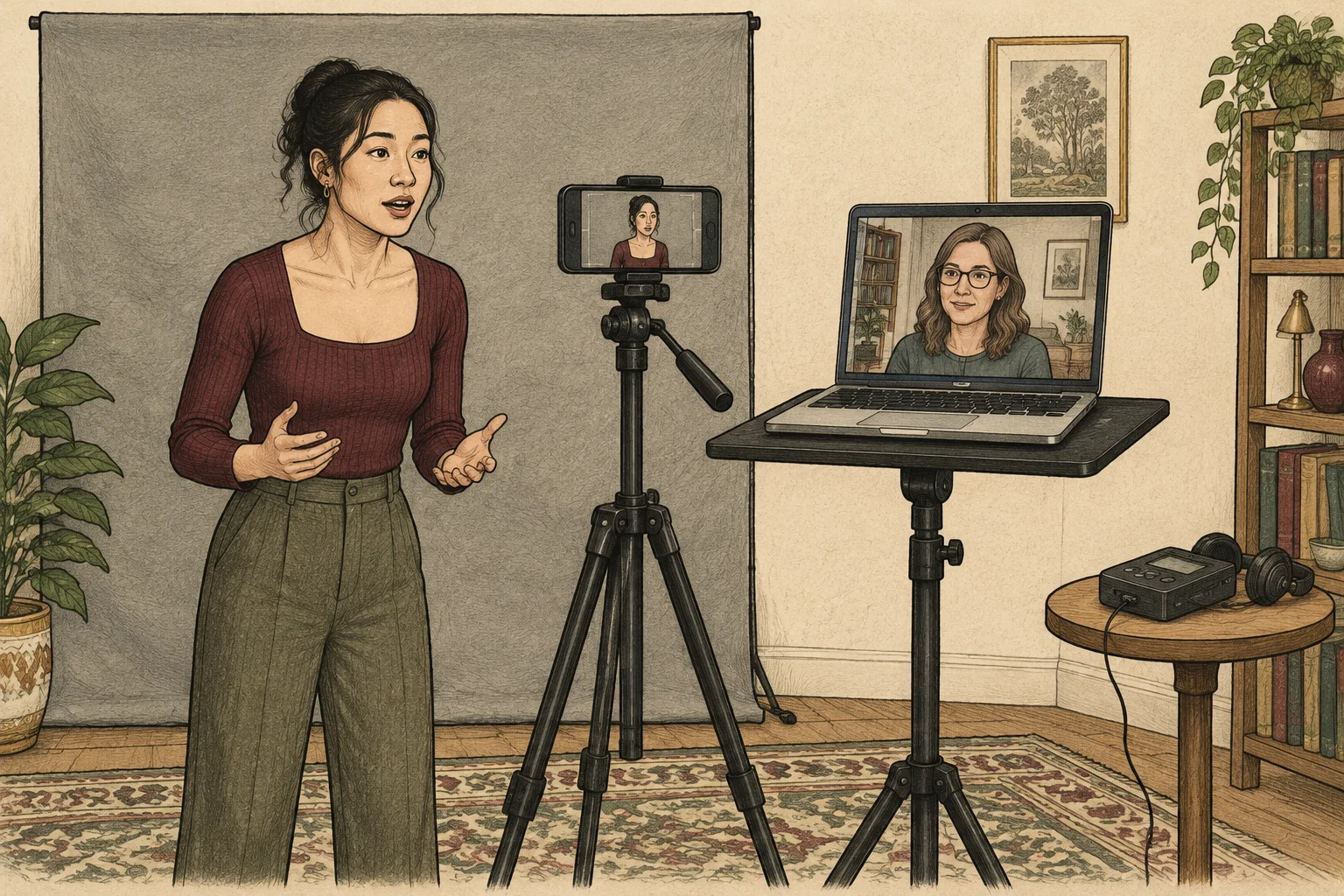
Use a separate device for the call where possible: let the phone or camera focus on recording.
Put the reader beside the lens: use a stable table or a properly supported laptop tray.
Raise their face: position the video window near your intended eyeline, not low at desk height.
Set a modest speaker level: your dialogue should remain the clearest voice in the recording.
Record one exchange: include a pause, an interruption, and both voices, then play it back.
A voice-only call can also work. Use a fixed off-camera focus point to represent the partner. Headphones let you hear a remote voice, but a camera recording the room may not capture that voice if it never reaches a speaker. Decide how the reader audio will appear in the final tape before committing to the setup.
Recording the other character's lines in advance is technically possible, but it is not the approach I recommend. You would have to guess the length of your pauses, listening beats, and interruptions before performing the scene. That can push you to match a recording instead of staying responsive.
A live virtual reader can adjust to you. A line-reading app with flexible cue controls can also give you more useful control than a fixed recording. If the scene depends on overlap, shifting pauses, or emotional turns, choose the option that preserves your freedom to act.
Check what the recording device actually captures. Hearing the reader yourself is not the same as recording them.
Reader apps: test the cue method, not the sales pitch
Line-reading apps use different workflows. Some let you advance cues manually, while others try to respond to your spoken lines. Before relying on one, test the exact scene and device combination, including pauses, repeated words, accents, and moments where you speak quietly.
Manual cue controls give you flexibility but can distract you if you must tap a screen throughout the scene. Speech-triggered playback can be convenient, but a missed trigger or early cue can break the exchange. Neither approach automatically replaces a responsive human partner.
Questions to answer before using a reader app
Check
Why it matters
How are cues triggered?
You need to know whether timing is manual or speech-driven.
Can it play while your camera records?
Some devices or apps interrupt audio when recording starts.
Can you adjust gaps and volume?
You need room for your choices and clear actor dialogue.
Can you repeat or skip a cue easily?
A flexible rehearsal tool should not force you to restart the whole scene.
Where are scripts stored?
Confidential sides may not be permitted in cloud or AI services.
Browse the Actors AI Toolkit app directory for existing options, but review each service's current features and privacy terms yourself. This guide does not claim that a particular app was personally tested. Treat the app as a rehearsal and cueing tool, and move to a virtual reader if it keeps interrupting your acting.
Make the reader audible without overpowering you
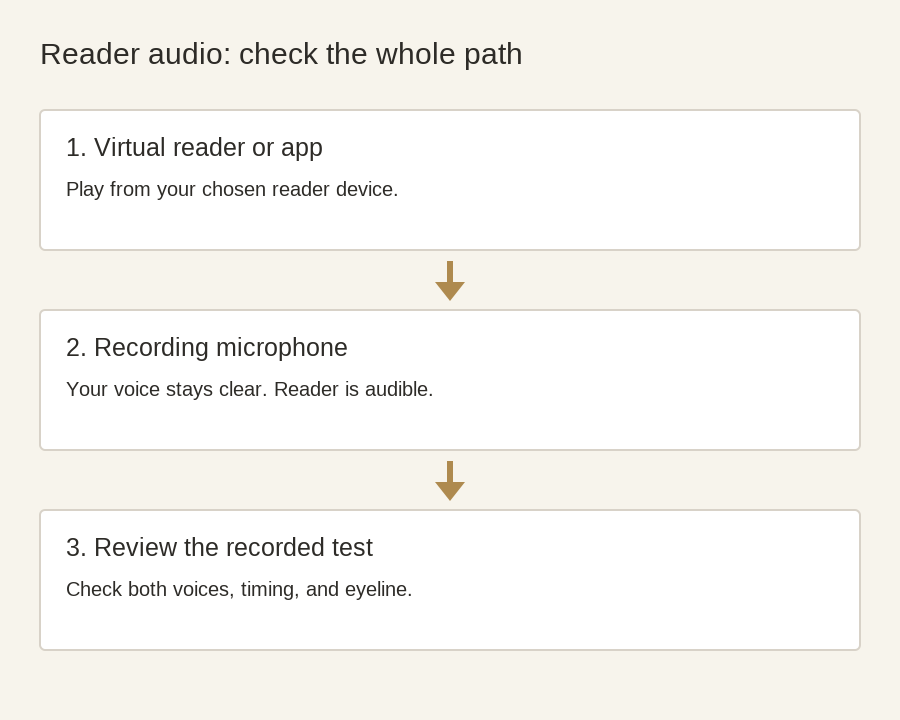
Record a short test with your actual speaking level. Listen to the recording rather than judging only how loud the room sounds. A reader close to the recording microphone can end up louder than you even if their voice seems quiet from where you stand.
Lower the playback level, move the speaker away from the microphone, or adjust its direction. Keep the sound understandable enough to follow the exchange. Do not turn it up to compensate for a noisy room before trying to reduce the noise.
If you use an external microphone, establish which device receives it and which source records the call or app audio. A microphone plugged into the laptop does not automatically improve the video recorded by a separate phone. The microphone guide covers recording-device compatibility and signal paths.
No reader voice in the file: check whether the sound was only in headphones or was blocked when the camera app opened.
Reader louder than actor: reduce playback and check speaker placement relative to the microphone.
Call feedback: reduce speaker level, avoid two active calls in the same room, and use a simpler connection.
Noticeable call delay: rehearse the exchange and ask the reader not to rush across the delay; change connection or reader method if it remains disruptive.
Missed app cues: test your actual pace and volume, simplify the cue setup, or use a virtual reader.
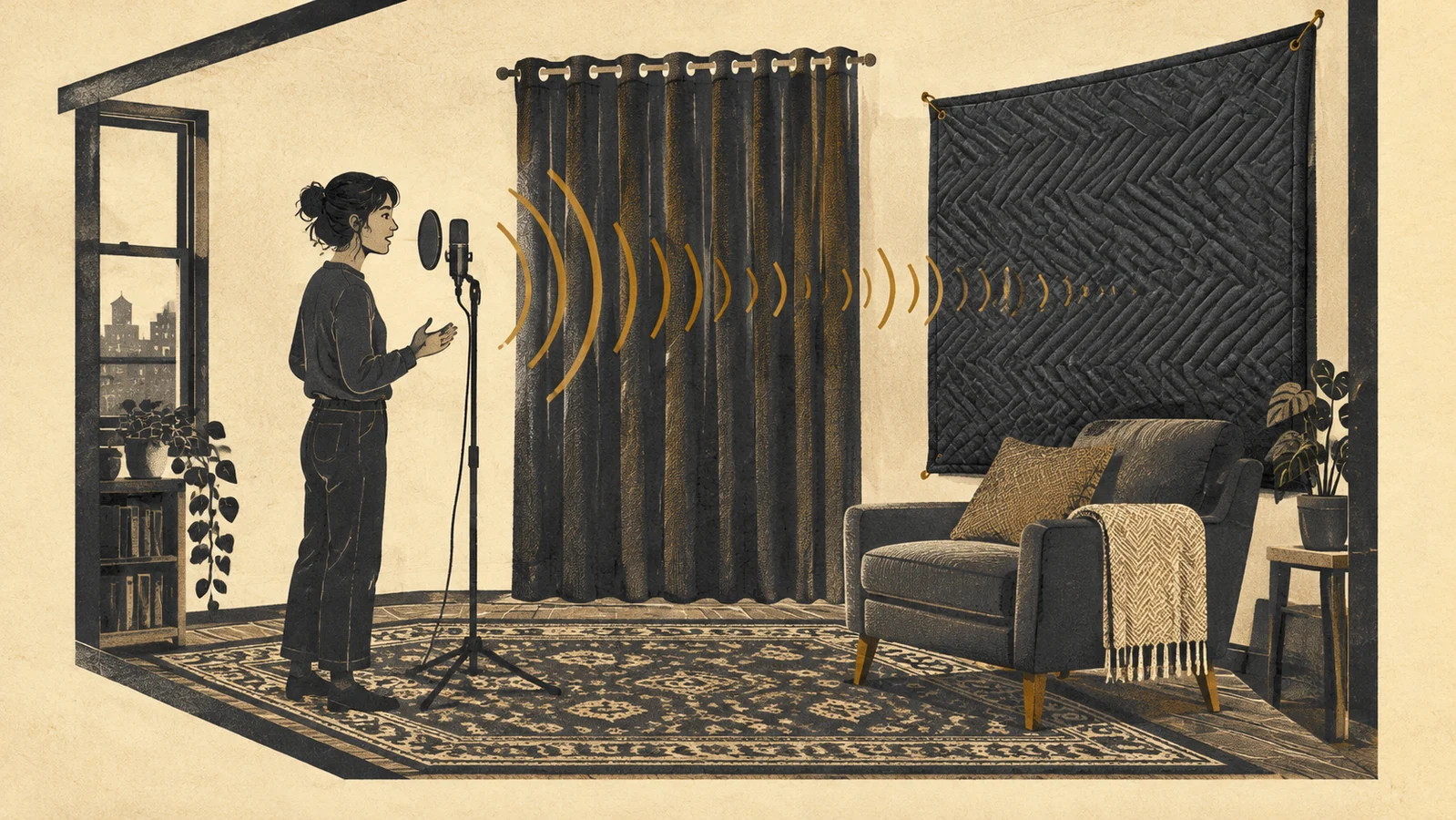
Thin or echoing audio: move closer to the recording microphone and choose a quieter, less reflective part of the room.
Keep the eyeline connected when the voice is elsewhere
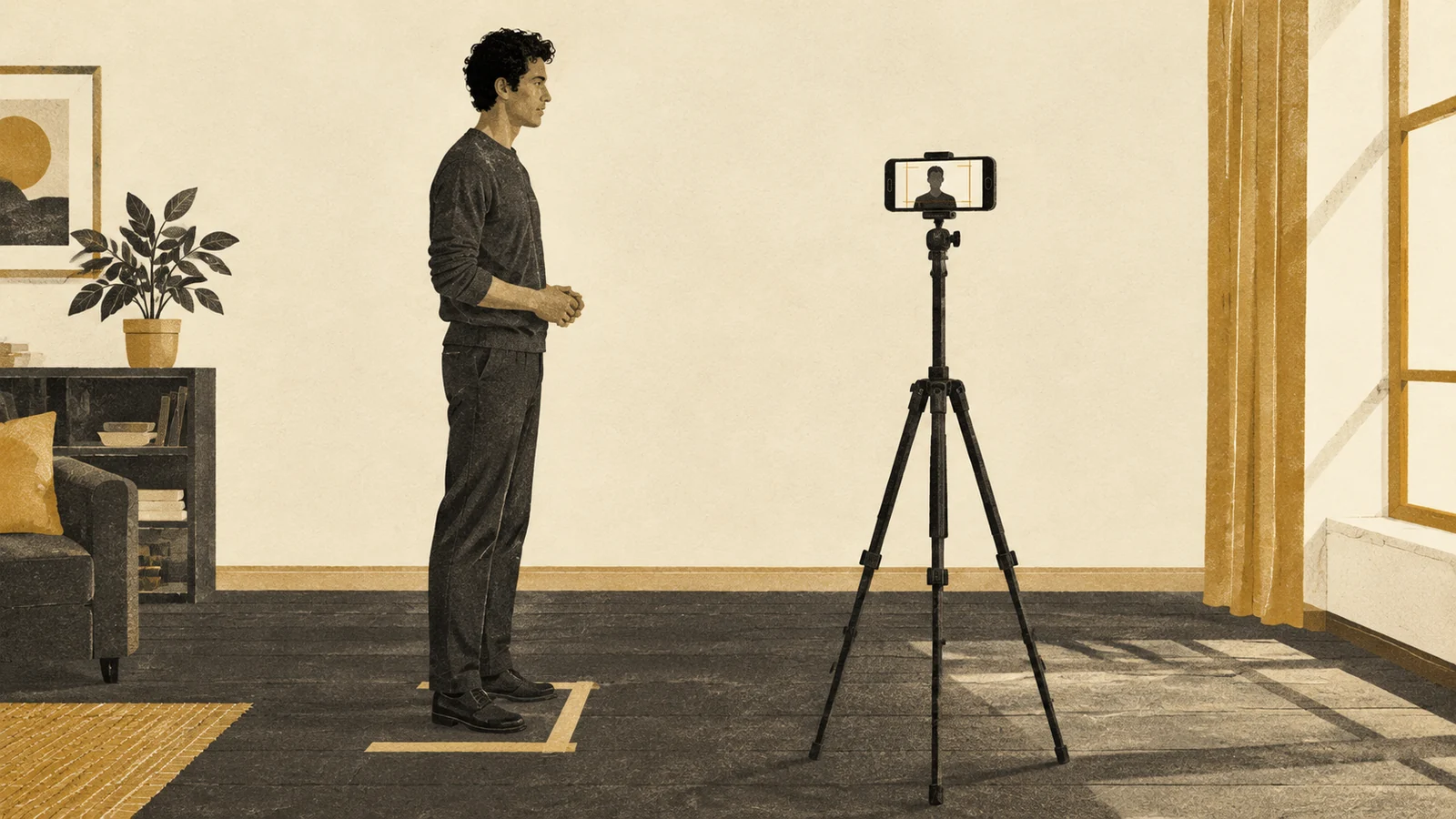
Set a focus point near the lens before starting the call or app. It can be the remote reader's face or a small mark outside the recorded frame. Your imagined partner does not have to occupy the exact location of the speaker.
If a laptop screen sits too low, your gaze may dip throughout the scene. Raise the reader image on a sturdy support and retest. If reader audio plays from a device on the floor, do not look down at it every time a cue starts. Keep your partner's imagined position consistent.
Know your own dialogue well enough to listen instead of reading along with a moving script. The line-learning guide offers several rehearsal methods. For an interruption-heavy scene, practise the listening beats rather than memorizing only when to talk.
Protect your sides and your attention
Keep confidential sides private. Do not upload NDA material to a general AI service or a reader platform unless your permission and that service's terms allow it. If an app uses a synthetic voice, do not imitate a real person without permission.
Check the app's script-storage, account, and deletion settings before adding audition material. When working with a virtual reader, share only what they need through a permitted channel. A convenient feature is not worth exposing confidential material.
A short solo-tape rehearsal plan
Read the request: check framing, slate, and delivery instructions.
Choose your reader method: start with a live virtual partner if one is available, or test a line-reading app.
Rehearse the exchange: decide where the pauses and interruptions belong.
Set picture and sound: keep the partner near the lens and your own voice clear.
Review a short test: listen for both voices and watch the eyeline.
Record the scene: change a disruptive app setup instead of rushing to fit its cues.
Check the exported file: verify sound, clip order, and the requested name before submitting.
A usable reader setup should free your attention for the scene. If the technology keeps interrupting you, simplify it or work with a virtual reader. Return to the equipment checklist for the room basics or the reader guide for preparing a live partner.
Sources and scope
Reviewed November 27, 2026: Spotlight's self-taping guide and SAG-AFTRA's Self-Tape Anatomy. The workflow here is practical editorial guidance, not a hands-on reader-app comparison. The recommendation to favor a virtual reader or line-reading app over a prerecorded track reflects the author's editorial perspective.
Questions
Frequently Asked Questions
Free 2-minute quiz
What type does casting see in you?
Answer a few quick questions to discover your castable archetypes, roles to target, and headshot wardrobe ideas. Get your full report by email.