The best camera for self-tapes is the one that keeps your eyes sharp, your skin tones natural and your audio clean, every take, without fiddling with menus. For most actors who also want to make content, that means a small mirrorless camera with reliable eye autofocus, a flip screen and a microphone input. If you tape only a few times a year, your phone is still enough.
This guide skips the spec-sheet overload. You will learn when an upgrade is worth it, which camera fits how you work, what lens to use, and how to set it up so you press one button and act.
Key takeaways
Your phone is enough if you tape only a few times a year.
For weekly tapes plus content, a small mirrorless camera with eye autofocus, a flip screen and a mic input is the sweet spot.
Clean audio from a plugged-in mic matters as much as a sharper picture.
Run the camera on continuous power so long takes never stop mid-scene.
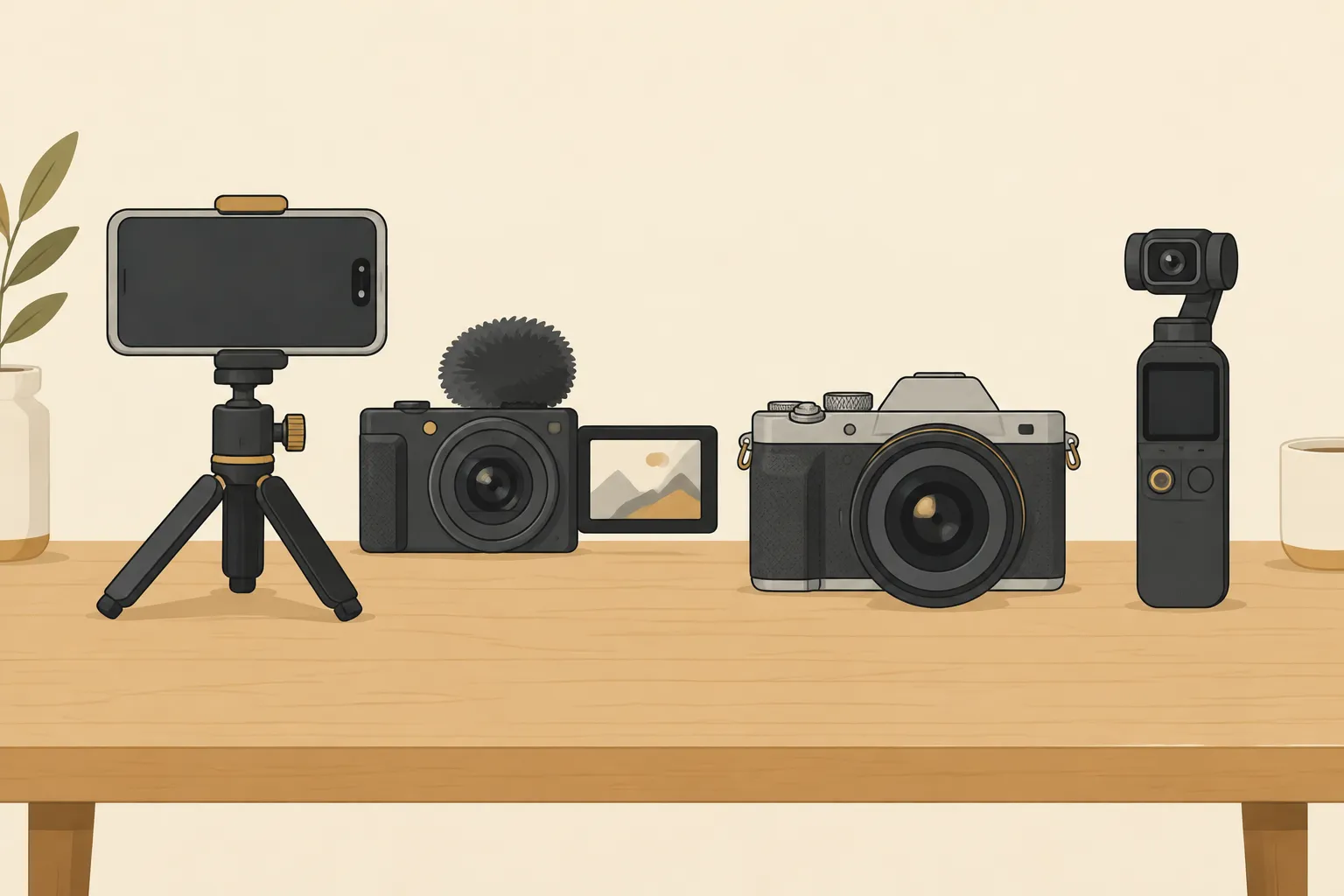
Quick choice: Tape weekly and post content? Get the ZV-E10 II. Want the simplest path to flattering color? Canon R50. Always on the move? Pocket 3. Shooting your own reel scenes? a6700.
Do you actually need a camera? Three questions
Casting directors need a clear, in-focus medium close-up, even light on your face and clean sound. A camera does not book the job. Your performance does. Before you spend, answer these honestly:
How often do you tape? A few auditions a year: stay on your phone and spend on lighting and a microphone first. Weekly: a dedicated camera saves real time.
Do you make content too? If you post scene work, monologue clips, behind-the-scenes or YouTube videos, a camera pays for itself in versatility and look.
Is your phone in the way? If you miss calls, run out of storage mid-take or rebuild your setup every time, a camera that stays on the tripod is the real upgrade.
If none of these apply, light and sound will improve your tape more than any camera. Our guide to tools for actors covers the basics.
What makes a camera good for self-tapes
Most camera reviews focus on resolution and video specs that do not matter in a 10-foot room. These are the features that actually change your audition:
Eye autofocus that holds. Your eyeline goes to a reader just off camera, not into the lens. Modern face and eye detection keeps focus on your eyes even in profile, so a great take is never ruined by focus "hunting" to the wall behind you. Many older DSLRs still recommended online struggle here.
A 3.5mm microphone input. Plug your mic straight into the camera and the clean audio is already in the video file. No syncing a separate recording before the deadline.
A flip-out screen. You can check your framing, slate position and focus from where you stand.
Continuous power. Batteries die during take eight. A dummy battery adapter or USB-C power keeps the camera running as long as you need.
No overheating. Some cameras stop recording after long 4K sessions. Check reviews for heat warnings before buying.
USB webcam mode. The same camera can stream into Zoom callbacks, chemistry reads and live reader sessions like WeAudition with one cable, no capture card.
A larger sensor. APS-C and full-frame sensors handle dim rooms with less grain and give a soft, natural background blur that keeps attention on your face.
The best cameras for self-tapes and content
Sony ZV-E10 II: best overall
Built for creators, which makes it ideal for actors. Sony's real-time eye autofocus is dependable, the screen flips toward you, and it has both a microphone and a headphone jack so you can hear exactly what is recorded. It works as a USB webcam for live callbacks, and the E-mount system gives you many affordable lenses.
Good to know: there is no viewfinder, which does not matter for taping. Use a power adapter for long sessions. Check price on Amazon.
Canon EOS R50: best for natural skin tones
Canon's color is famously flattering on skin straight out of the camera, which is valuable if you never want to color correct. Dual Pixel autofocus with eye detection is smooth and easy, and the menus are friendly for first-time camera owners. It shoots clean 4K and has a flip screen and microphone input.
Good to know: no headphone jack, and fewer budget lenses than Sony. Check price on Amazon.
DJI Osmo Pocket 3: best for travel and vertical content
A tiny camera on a built-in stabilizer with a 1-inch sensor. Face tracking follows you if you move, the screen rotates for vertical social video, and it pairs with DJI's wireless microphones. It is perfect for actors taping in hotel rooms or on location.
Good to know: the fixed wide lens means you need to stand close to frame a medium close-up, so watch for distortion. Check price on Amazon.
Sony ZV-1 II: best all-in-one compact
A pocketable camera with a 1-inch sensor and a built-in zoom lens. You get Sony's autofocus, a flip screen and a mic input without ever choosing a lens.
Good to know: zoom to the long end of the lens for flattering self-tape framing. It is less forgiving in dim rooms than APS-C cameras. Check price on Amazon.
Sony a6700: best professional upgrade
For actors producing their own reel scenes, shorts and polished content. A dedicated AI processor powers some of the most reliable subject tracking in its class, and its richer 10-bit video holds up when you color grade. It includes a headphone jack and a viewfinder.
Good to know: overkill for auditions alone. Worth it only if you will use the extra quality. Check price on Amazon.
When your phone is enough
Many working actors book jobs from phone tapes. Use the rear main camera, not the selfie camera. Lock exposure and focus, avoid the ultra-wide lens, and add a wireless lavalier microphone. Free apps such as the Blackmagic Camera app give you manual control of exposure and frame rate. Upgrade when your phone gets in the way, not because a tape feels "not good enough."
Lenses in plain English
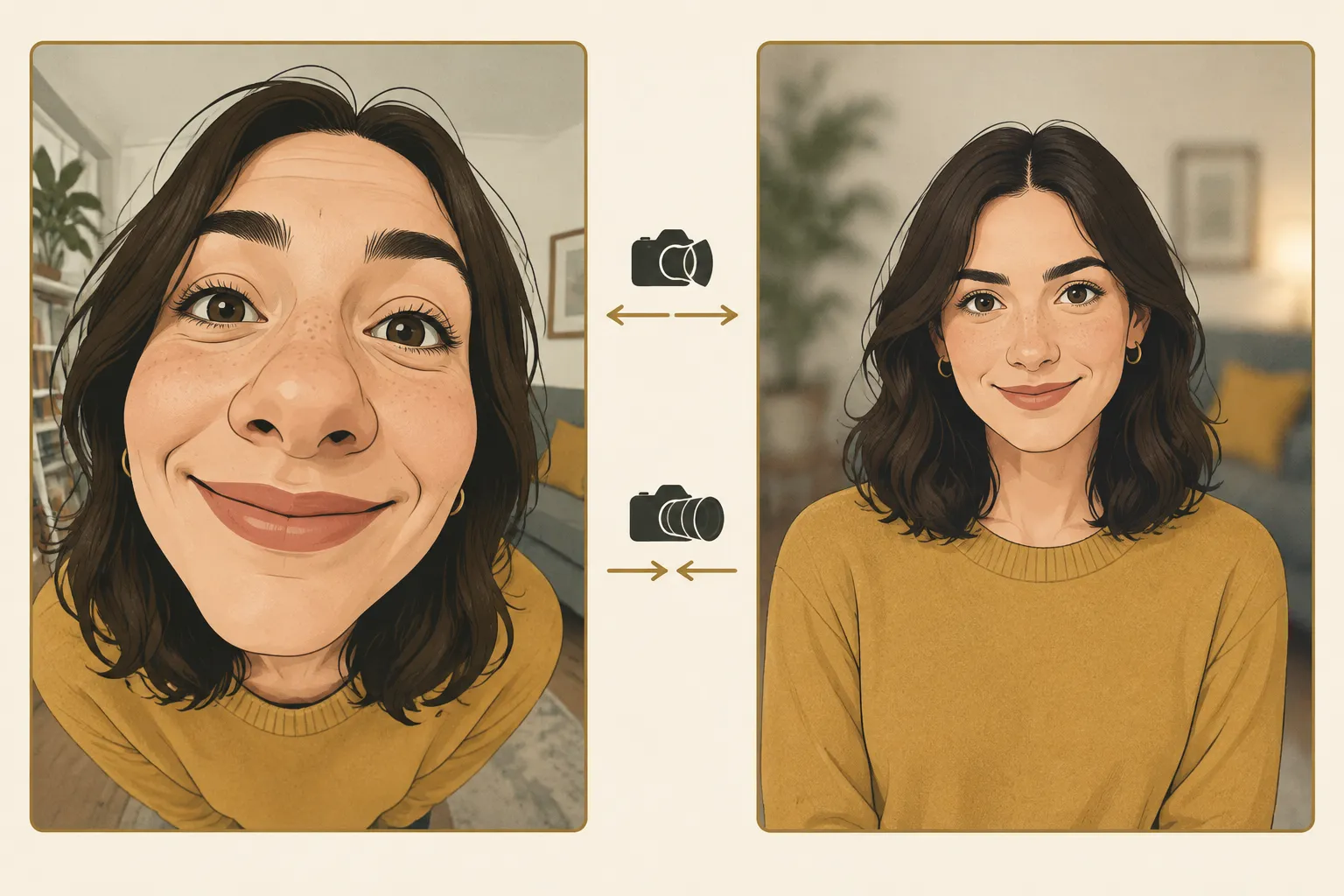
The lens shapes your face more than the camera body does. Wide lenses used up close stretch the center of the frame, making noses look larger and ears smaller. Standing farther back with a longer lens gives natural proportions, the look casting expects.
Same face, different lens and distance. Step back and zoom in for natural proportions.
Aim for around 50mm "full-frame equivalent." On APS-C cameras like the ZV-E10 II or R50, that is roughly a 30 to 35mm lens or the long end of a kit zoom.
Small room? A kit zoom lets you go wider for the full-body slate, then tighter for the scene.
Want softer backgrounds and better low light? Add an affordable prime with a wide aperture such as f/1.8. Keep it around f/2.8 so both eyes stay sharp if you move slightly.
Audio: the upgrade nobody talks about
Casting will forgive average video before muddy sound. The biggest real advantage of a camera over a phone is the microphone jack. Plug in a wireless lavalier receiver or a small on-camera shotgun mic and your voice is recorded cleanly, inside the video file. Set audio levels manually so your loudest line does not clip, and do a quick test take. A headphone jack lets you hear problems like buzzing or room echo before you finish all your takes.
How to set up your camera for self-tapes
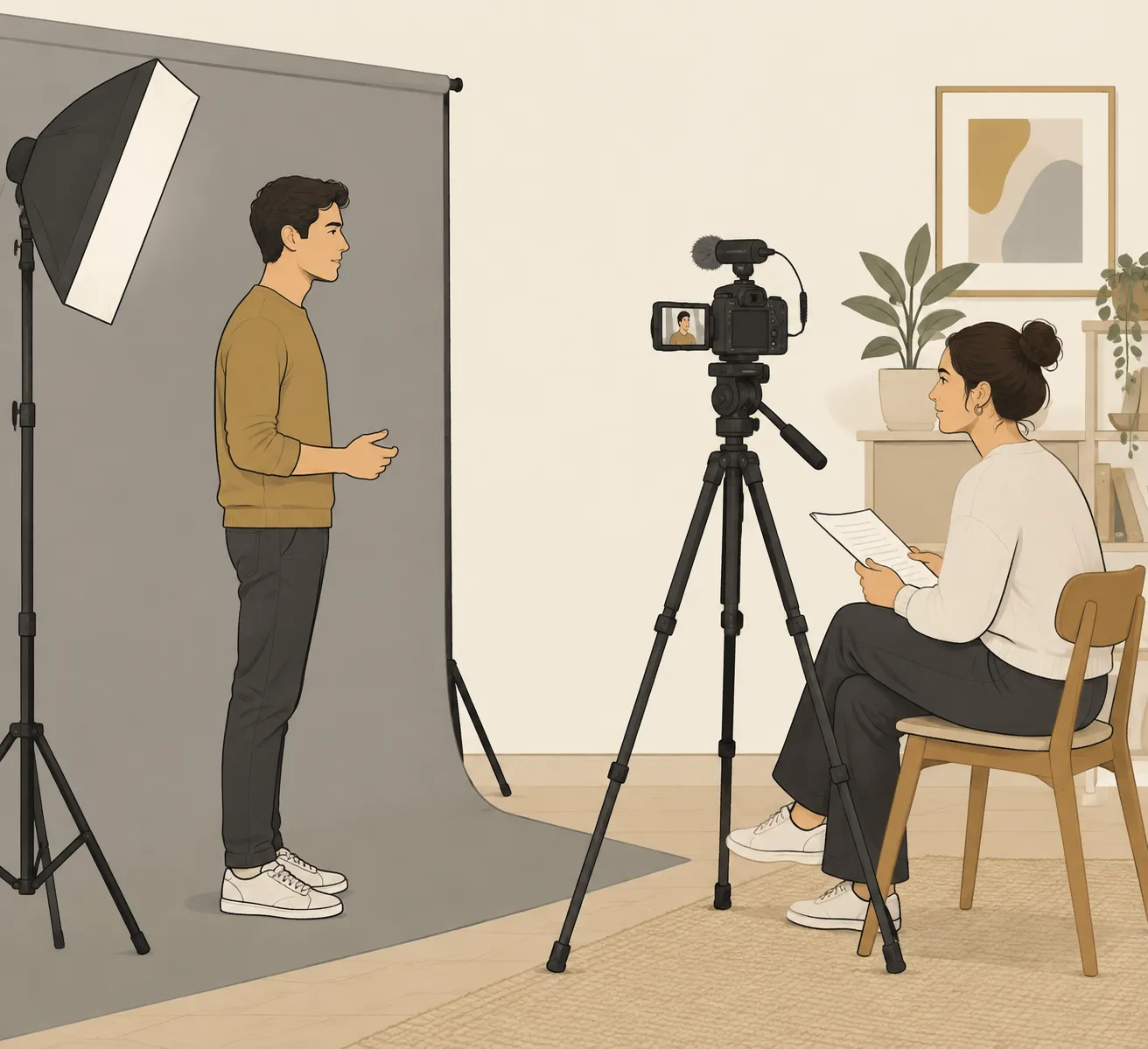
Camera at eye level, reader beside the lens, soft light from one side.
Camera at eye level, on a sturdy tripod, 4 to 6 feet away. Frame a medium close-up: chest up with a little headroom.
Reader beside the lens, so your eyeline is just off camera and both eyes stay visible.
Choose your frame rate once. 24fps looks cinematic, 30fps is standard for online video. Either works for casting. Pick one and leave it.
Set exposure manually. Shutter at about double your frame rate (1/50 for 24fps, 1/60 for 30fps), aperture around f/2.8, ISO as low as your light allows.
Lock white balance to your lights instead of auto, so skin tones do not shift between takes.
Turn on face and eye detection with continuous autofocus.
Save it as a custom setting if your camera allows, so tomorrow's tape is one dial turn away.
Use continuous power and a fast memory card rated for 4K video.
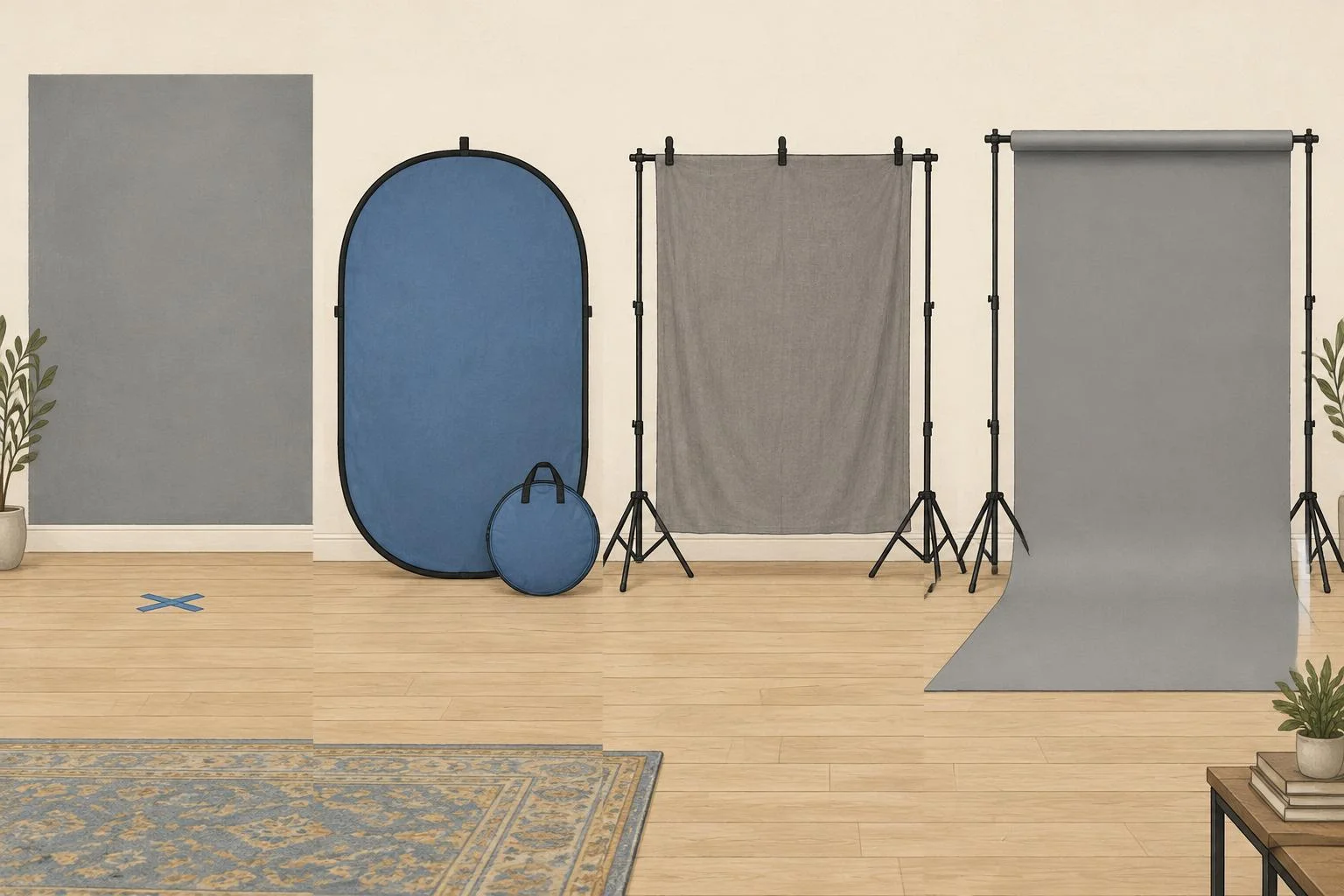
Pair the camera with a clean background. Shoot 1080p or 4K, but upload what casting asks for. They will not see the difference between them on most platforms.
Using the same camera for content
Here is where a camera earns its price. With the camera on the same tripod, you can shoot monologue clips, scene work for your reel, YouTube videos and behind-the-scenes content between auditions.
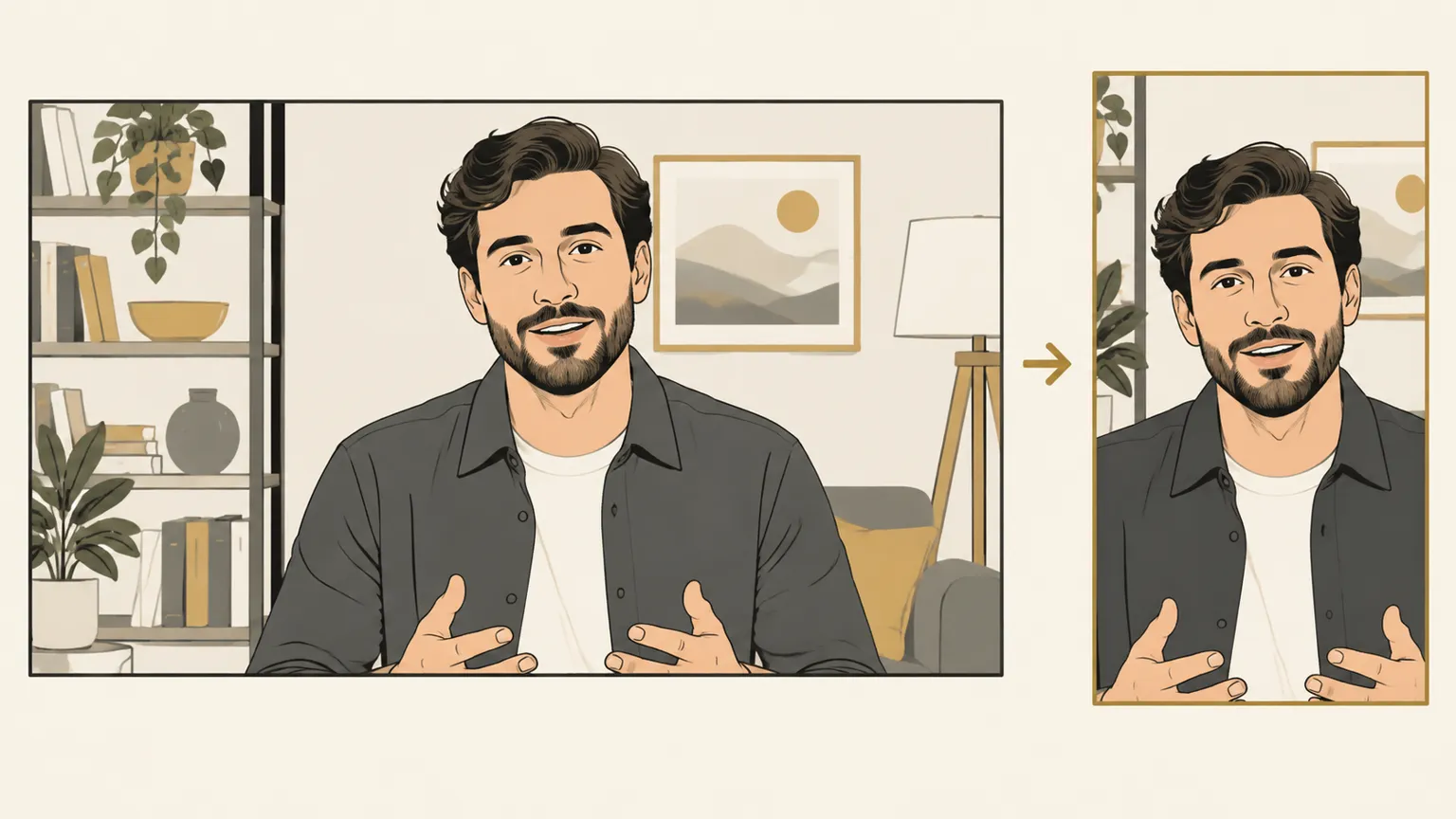
Shoot wide in 4K and crop a vertical clip later, without moving the camera.
Shoot 4K, crop to vertical. One horizontal 4K take gives you a sharp vertical clip for Reels or TikTok, plus a horizontal version for your website and YouTube.
Keep your color consistent. Using the same camera and white balance makes every clip look like part of the same personal brand.
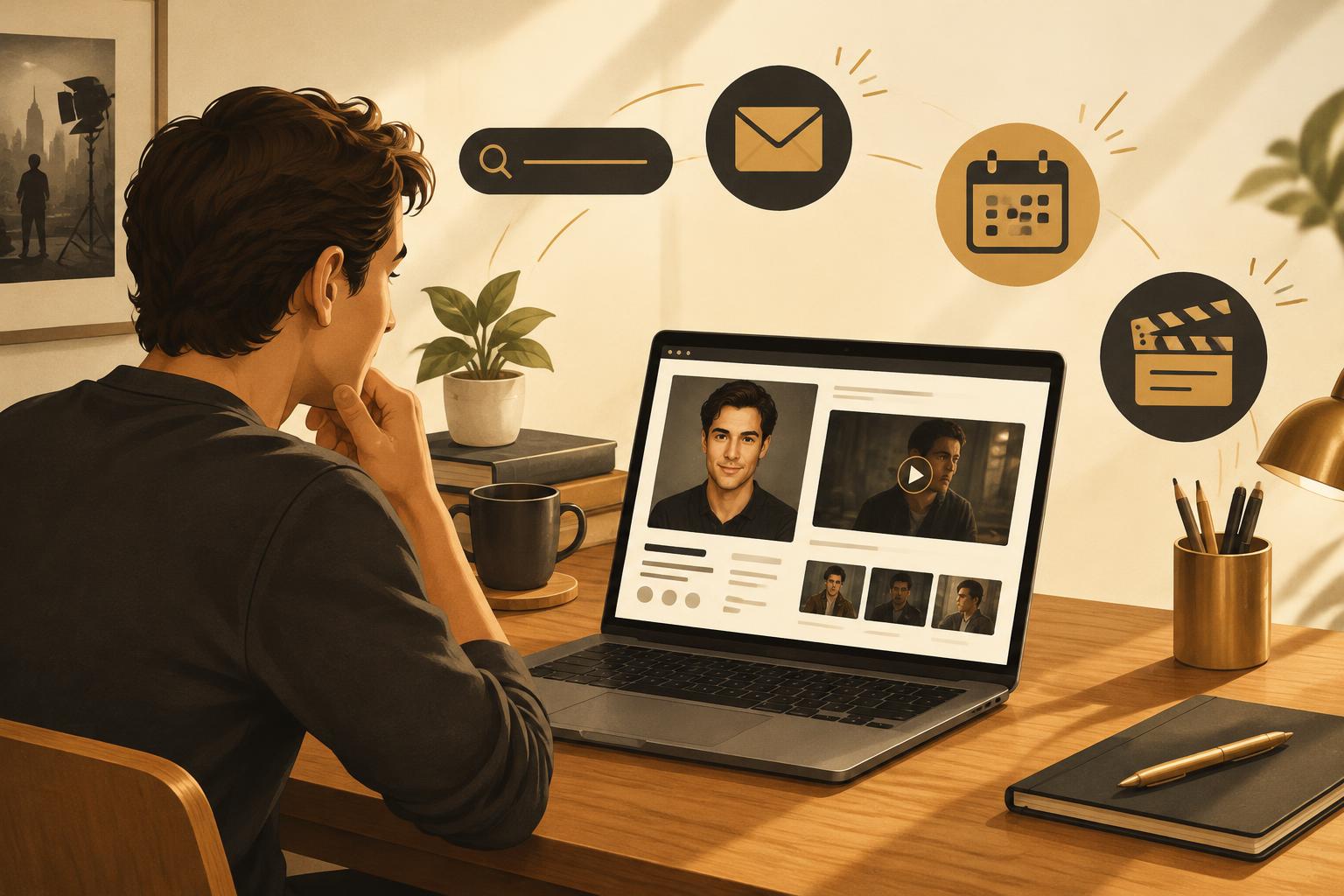
Feature it on your site. Clips you shoot can anchor a professional actor website that shows casting your range.
Common camera mistakes on self-tapes
Buying a camera before fixing lighting and sound.
Using the ultra-wide or selfie lens up close.
Leaving exposure or white balance on auto, so brightness shifts mid-scene.
Recording audio separately and forgetting to sync it.
Placing the camera too low or too high, changing how your face reads.
Running out of battery or card space during the best take.
Questions
Frequently Asked Questions
Free 2-minute quiz
What type does casting see in you?
Answer a few quick questions to discover your castable archetypes, roles to target, and headshot wardrobe ideas. Get your full report by email.
Most auditions come through casting platforms and your reps, not your website. Here are 7 real reasons to build an actor website anyway, and how much site you actually need.
Discover 11 practical ways actors are using AI to prep auditions, write agent emails, build their brand, and sharpen their craft — with prompts you can steal today.