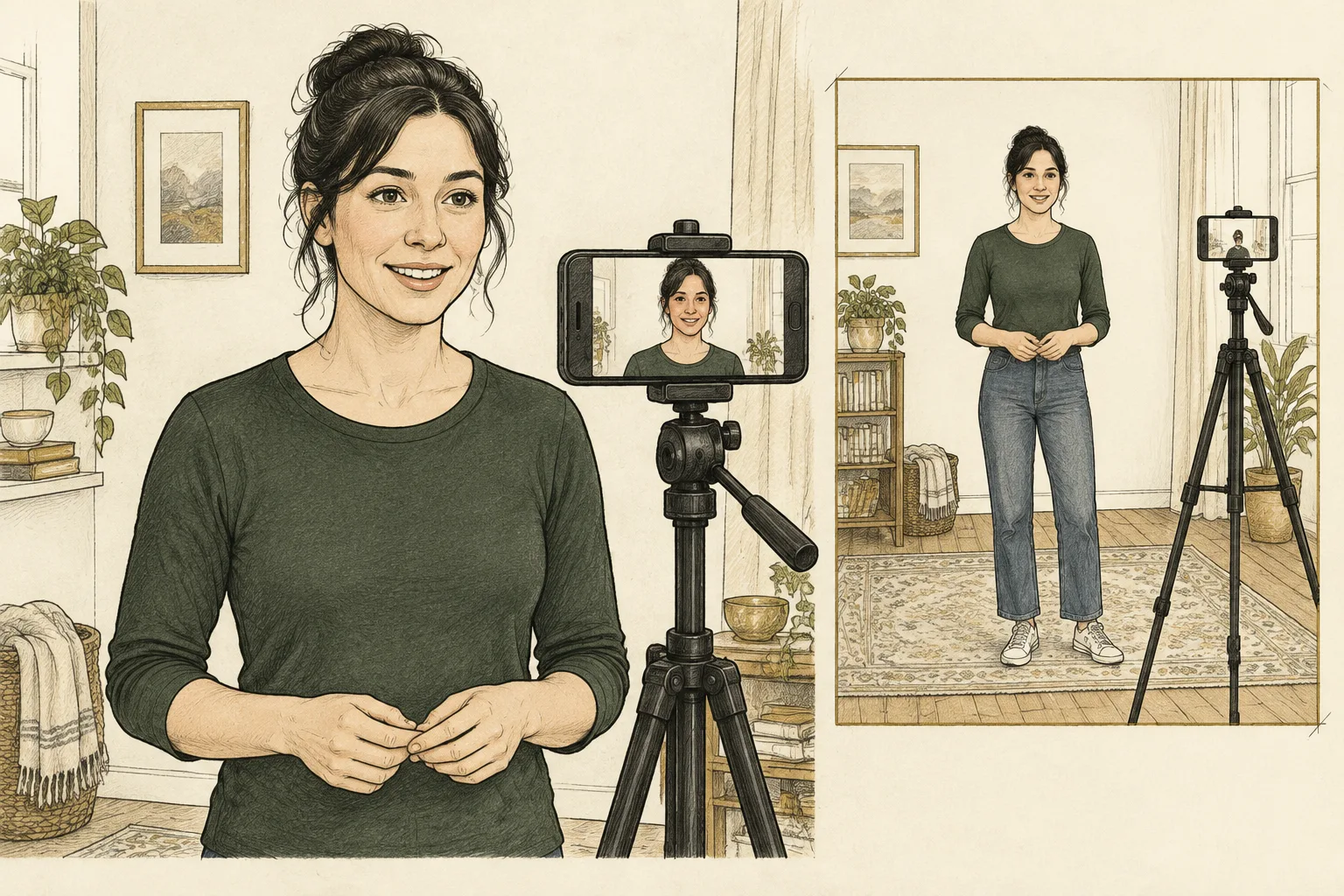
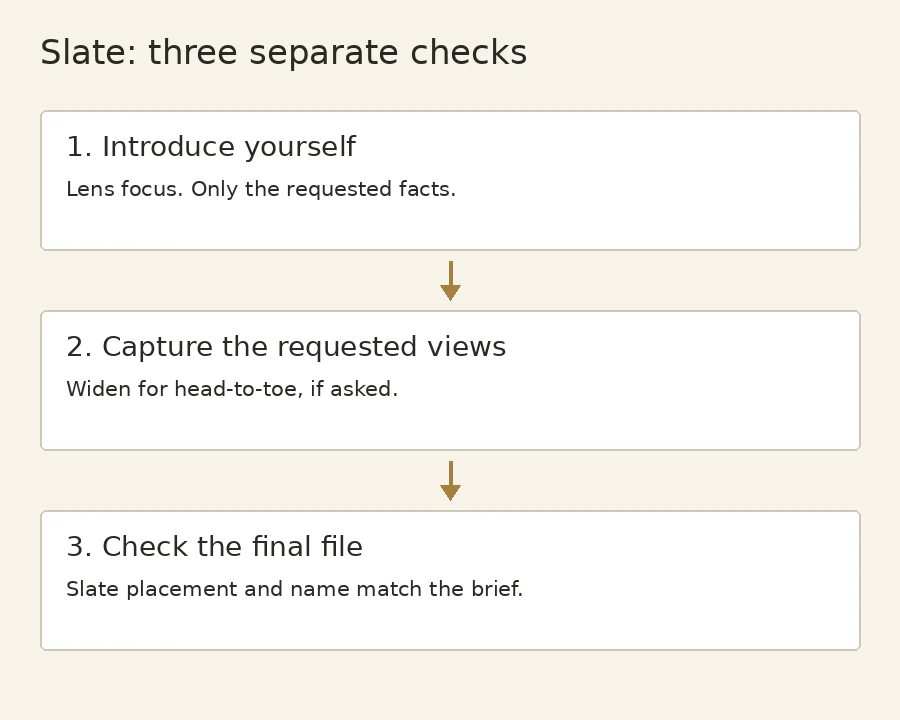
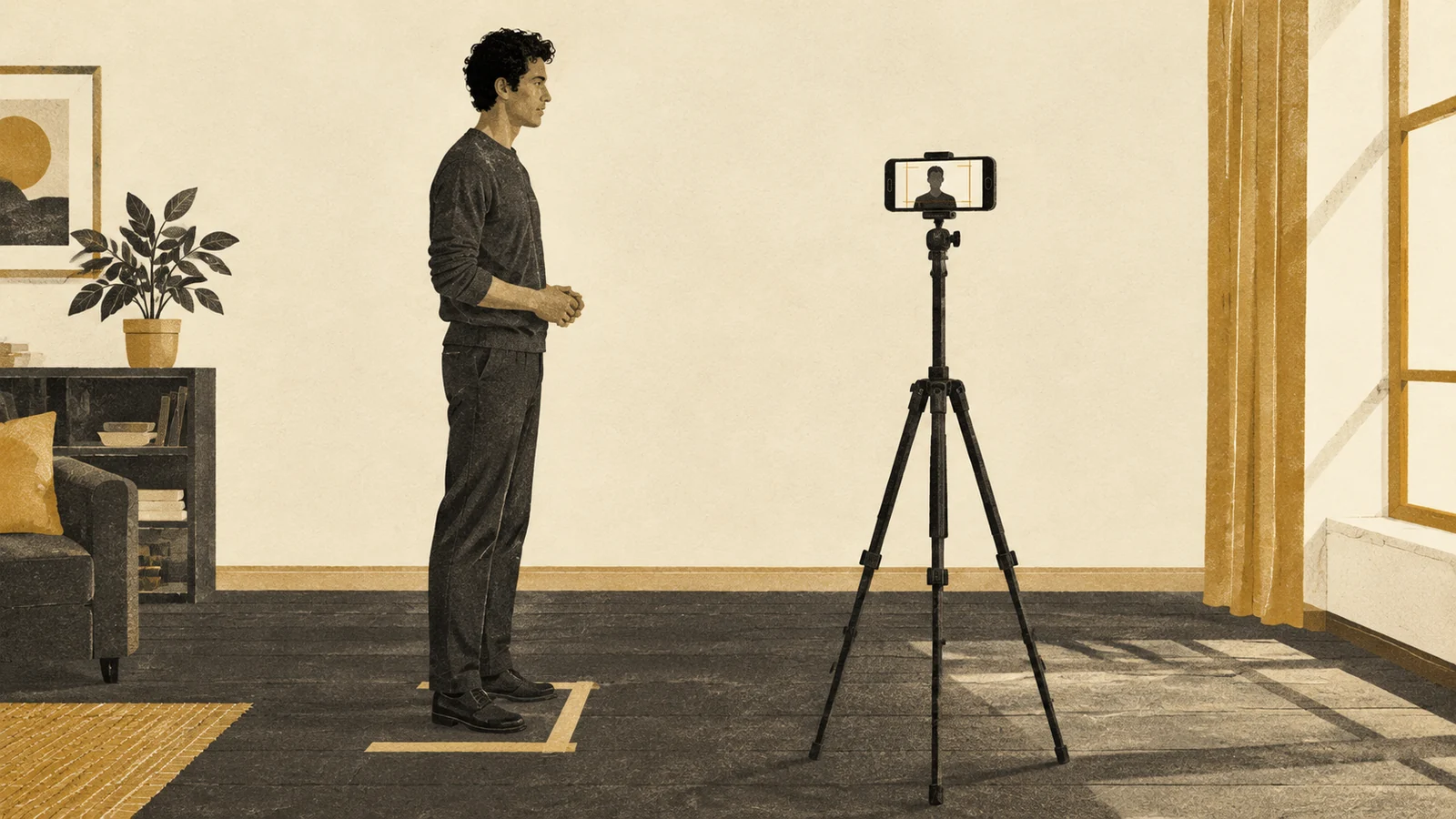
To slate for a self-tape, look into the lens and introduce yourself using the details requested by casting. Speak as yourself, not the character. Keep the introduction clear and brief, and follow the request for full-body shots, profiles, clip order, and file naming rather than adding your own routine.
A slate is the short identification part of an audition, sometimes called an ident in the UK. This guide gives you adaptable examples and a recording checklist. For the rest of your setup, start with the self-tape equipment guide. You do not need a new camera just to say your name.
Slate instructions vary by project and casting office. One request may ask for your name and height; another may require your location, representation, profiles, or availability. Spotlight describes idents as an administrative part of the audition, not another performance to perfect. Its guide to idents explains why the requested details differ between film, television, theatre, and commercials.
Copy the instructions into a short checklist before you switch on the camera. Look for what to say, what to show, whether the slate belongs before or after the scene, and whether it should be a separate file. If the brief says “no slate,” leave it out. If it is silent or contradictory, ask your representative or the casting contact rather than assuming one office's convention applies everywhere.
Turn the casting request into a recording plan
Instruction
Your next action
Name, height, location
Write those three facts in that order.
Full-body shot
Check a second, wider frame before taping.
Profiles or hands
Plan the requested views, without extra poses.
Separate slate file
Record and export the introduction separately.
Slate after the scene
Keep that order in the delivered video.
What to say: three adaptable slate examples
The names and details below are fictional examples, not universal scripts. Use only the information requested for your audition, and keep every statement accurate. You do not need to add your age, address, personal contact information, résumé, or a pitch about why you deserve the role.
1. Name and representation
“Hi, I'm Maya Bennett, represented by Example Artists.”
If you are not represented and representation is requested, “I'm self-represented” is clear. There is no need to apologize or invent an agency. If the office wants your name only, say your name and stop.
2. Name, height, and location
“Hi, I'm Maya Bennett. I'm five feet seven inches tall and based in Austin, Texas.”
Use the units requested by casting. “Based in Austin” describes where you are located; it is not the same as agreeing to work as a local hire somewhere else. Answer a separate local-hire or travel question honestly rather than treating those labels as interchangeable.
3. A specific availability question
“Hi, I'm Maya Bennett. I'm based in Austin and available for the requested filming dates.”
Only say that if you have checked the dates and it is true. If you have a conflict, follow the brief's instructions for reporting it. Do not bury an important scheduling issue in a fast introduction or claim a skill you cannot perform.
Record the introduction as yourself
Bring the camera to eye height and use the requested framing. Look at the lens for the slate, unlike a typical dialogue scene where you look just off camera toward your scene partner. Take a comfortable breath, say the required information, and leave a small pause before ending the recording.
Your normal voice and a relaxed expression are enough. You do not need to perform friendliness, speak in the character's accent, or add a long greeting. If casting explicitly asks you to introduce yourself in an accent or answer a creative question, follow that instruction instead.
Check the frame: your face is visible and nothing covers the lens.
Find the lens: look at the camera, not your own image on the screen.
Say the requested facts: slowly enough that names and details are understandable.
Hold briefly: leave a clean moment at the end for trimming.
Play it back: verify the audio and information before moving on.
Record the introduction separately while you are working, even if the final request needs one combined video. That lets you fix a stumble without repeating a good scene. It does not mean the delivered slate must always be a separate file.
How to film a full-body slate in a small room
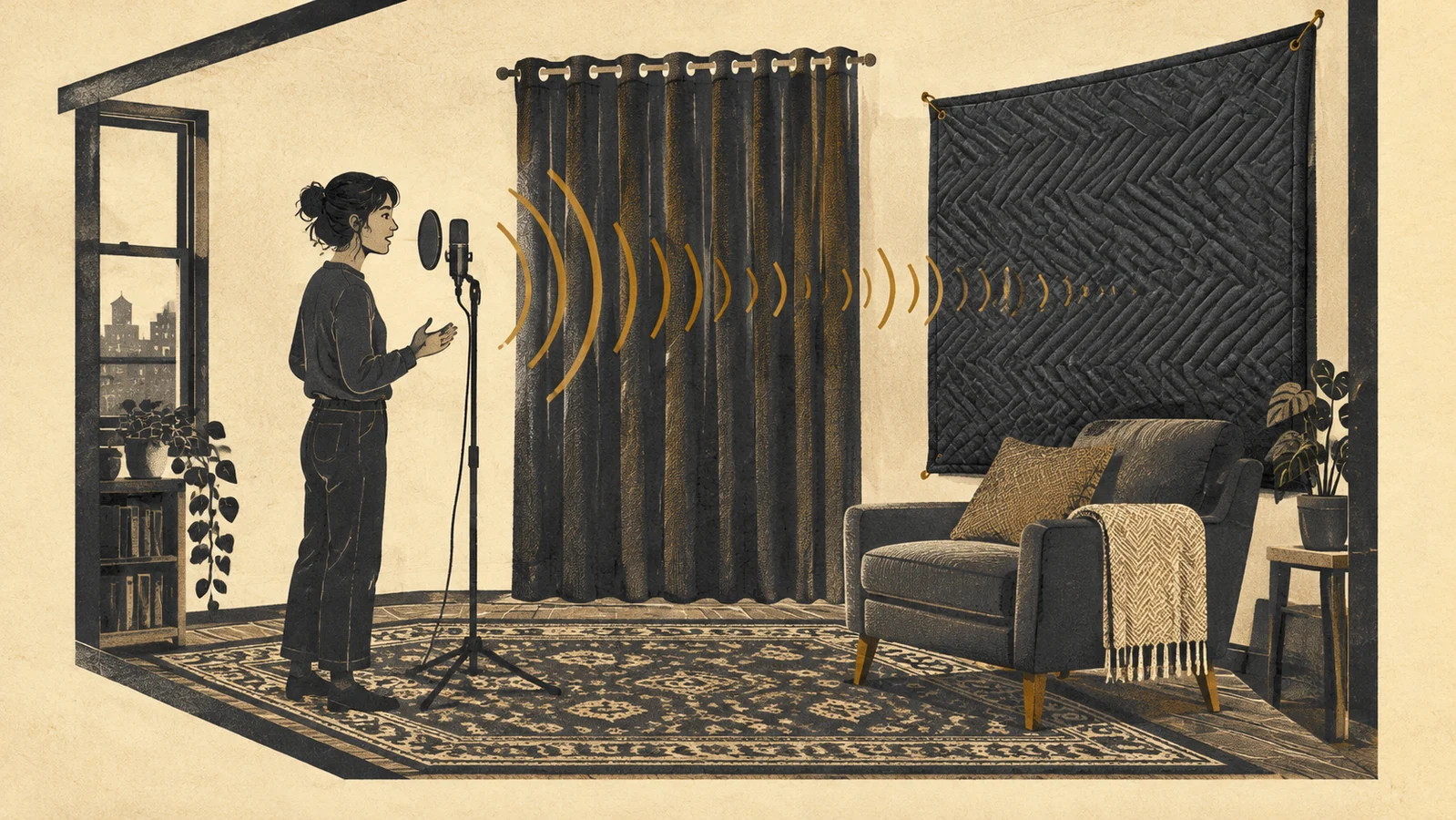
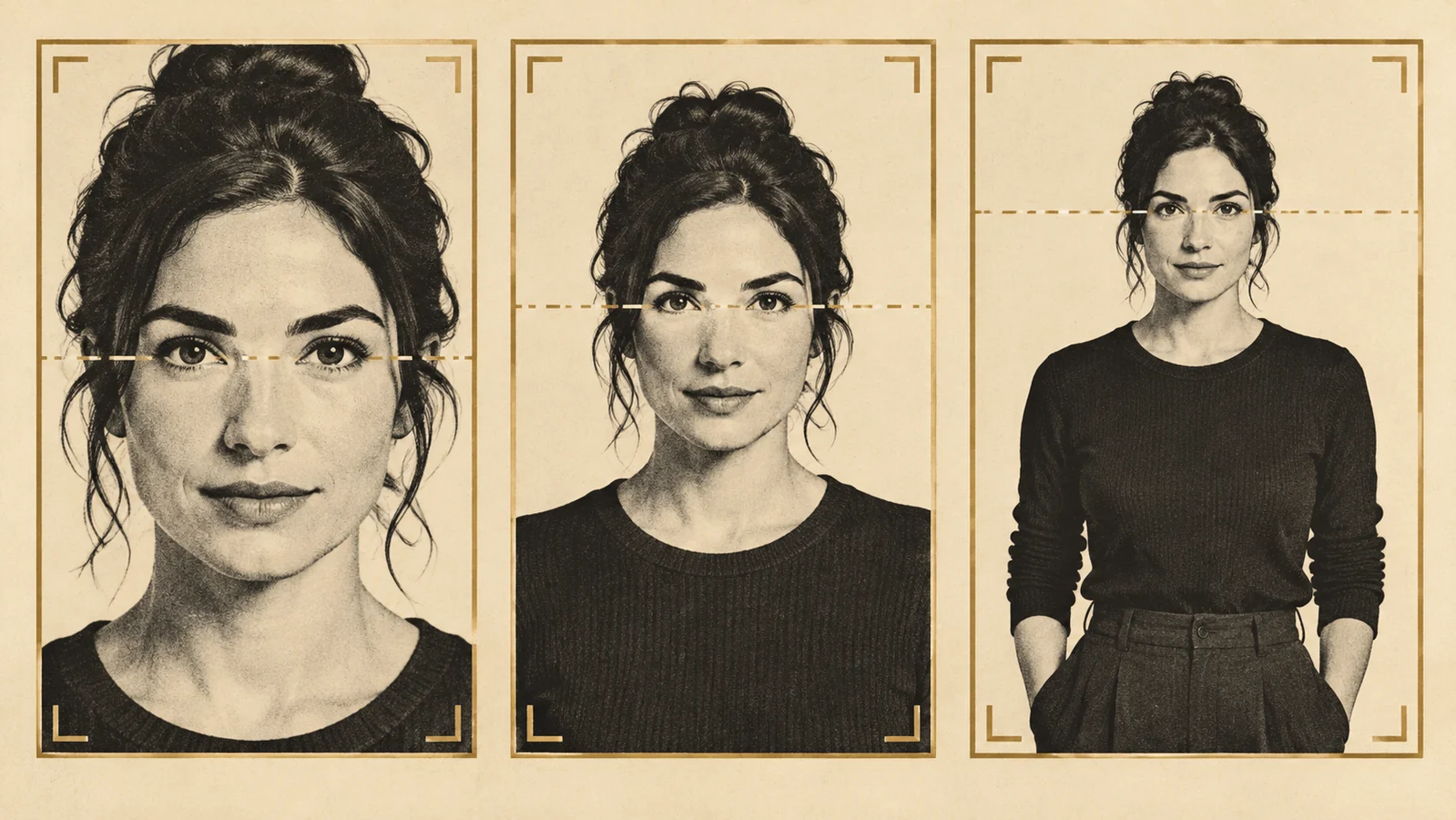
A full-body shot should show your whole body, including your head and feet. Move the camera farther back, widen the framing, or choose another safe spot in the room. Recheck lighting and sound at the new position. A close-up camera setting may not work for a wider shot.
Keep the camera stable and film in the orientation requested. Landscape is a common self-tape default, but an explicit project instruction takes priority. Do not switch to portrait just because it is easier to fit your body into the frame. Spotlight's ident guide discusses full-length framing and space constraints.
Plan the introduction and wider view separately. Combine or separate the clips only as requested.
Test whether a slightly wider lens or a different room position solves the problem before improvising a handheld pan. Very wide lenses close to your body can distort proportions. If you genuinely cannot capture the requested view, ask whether an alternative is acceptable rather than submitting a cropped shot as a full-body view.
Keep the floor clear and the tripod secure. Do not climb onto furniture or balance a camera on an unstable stack to get the shot. The backdrop guide explains why a background that works for a close-up may be too narrow for a full-length view.
Profiles, hands, and other requested views
Commercial requests sometimes include profile views, hands, or questions about product conflicts. They are not automatic additions to every audition. Follow the specific request and keep transitions simple.
Profiles: turn as requested, pause long enough for the view to be clear, and return without exaggerated posing.
Hands: show the requested sides of your hands within the frame. Check that focus settles and your face is not accidentally blocked during the spoken introduction.
Skills or availability: answer accurately. Clarify an ambiguous question rather than guessing what casting wants to hear.
A request for inappropriate or intimate material is not something to follow merely because it appears in an email. Verify the production and seek guidance from your representative or union when needed. The employer-vetting guide provides a broader safety checklist.
Where the slate goes and how to name it
There is no single clip order or file name that overrides casting instructions. If a separate slate is requested, deliver a separate slate. If the slate goes after the scene, place it there. Avoid extra title cards, music, or transitions unless requested.
A fictional example such as MayaBennett_Role_Slate.mp4 can keep your own files organized, but it is not an industry-wide naming rule. Rename the final export to the actual format in the brief. If the office specifies separate takes or scenes, confirm that each file matches the label.
Watch the exported video, not only the editing preview. Check that the introduction has not been trimmed mid-word and that the intended slate appears in the correct file. Keep the original recording until the audition has been delivered successfully.
Your final slate checklist
The slate is included or omitted according to the brief.
Your name and every requested fact are correct and understandable.
You look into the lens for the introduction.
A requested full-body shot includes head and feet.
Profiles, hands, and other views appear only when requested.
The export order and file name match the instructions.